
가오리의 코딩일기
세미나 3회차(2) 본문
1. gradient 수정
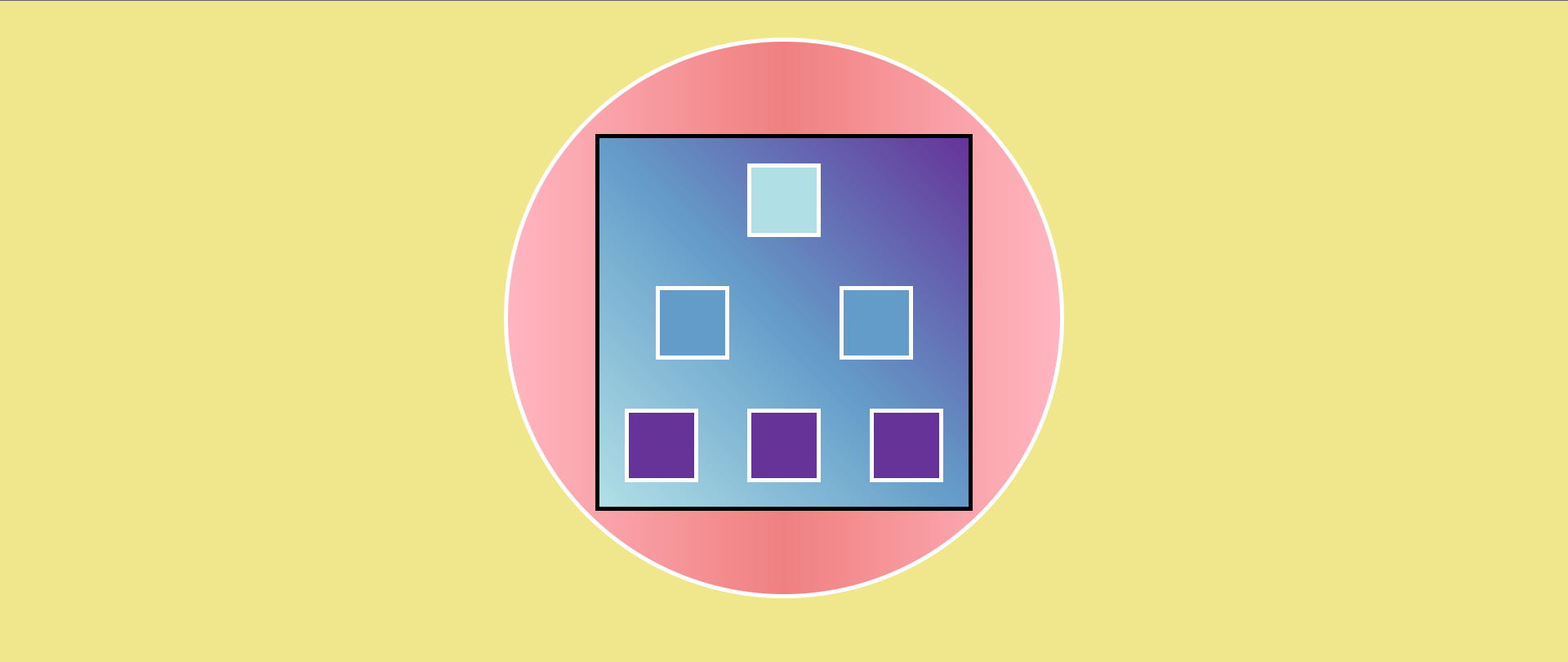
html은 그대로, css만 수정함(https://ryu-ddo.tistory.com/75)
- 수평과 수직 모두 가운데 정렬
- 원을 만들 때 border-radius: 50px 사용
body{ background-color: khaki; }
.circle{
    margin: 40px auto;
    background: linear-gradient(0.25turn,#ffb6c1, #f08080,#ffb6c1);
    border-radius: 50%;             /* 원 : 50% */
    border: 5px solid white;
    width: 600px;
    height: 600px;
    justify-content: space-around;  /*인접한 각 항목 간의 간격을 동일하게*/
}
.square{
    border: 5px solid white;
    margin: 20px auto;
    width: 70px;
    height: 70px;
    background-color: #b0e0e6;
}
.big{
    width: 400px;
    height: 400px;
    margin-top: 100px;
    border-color: black;
    background: linear-gradient(45deg, #b0e0e6,#649cc9 ,#663399);
    display: flex;                   /*칼럼의 높이를 자동으로 맞추는? 그런 느낌임*/
    flex-direction: column;          /*수직축_위에서 아래로*/
    justify-content: space-around;
}
.container{
    display: flex;
    align-items: center;
    justify-content: space-around ;
}
.middle{background-color: #649cc9 ;}
.bottom{background-color: #663399;}
2. color 수정
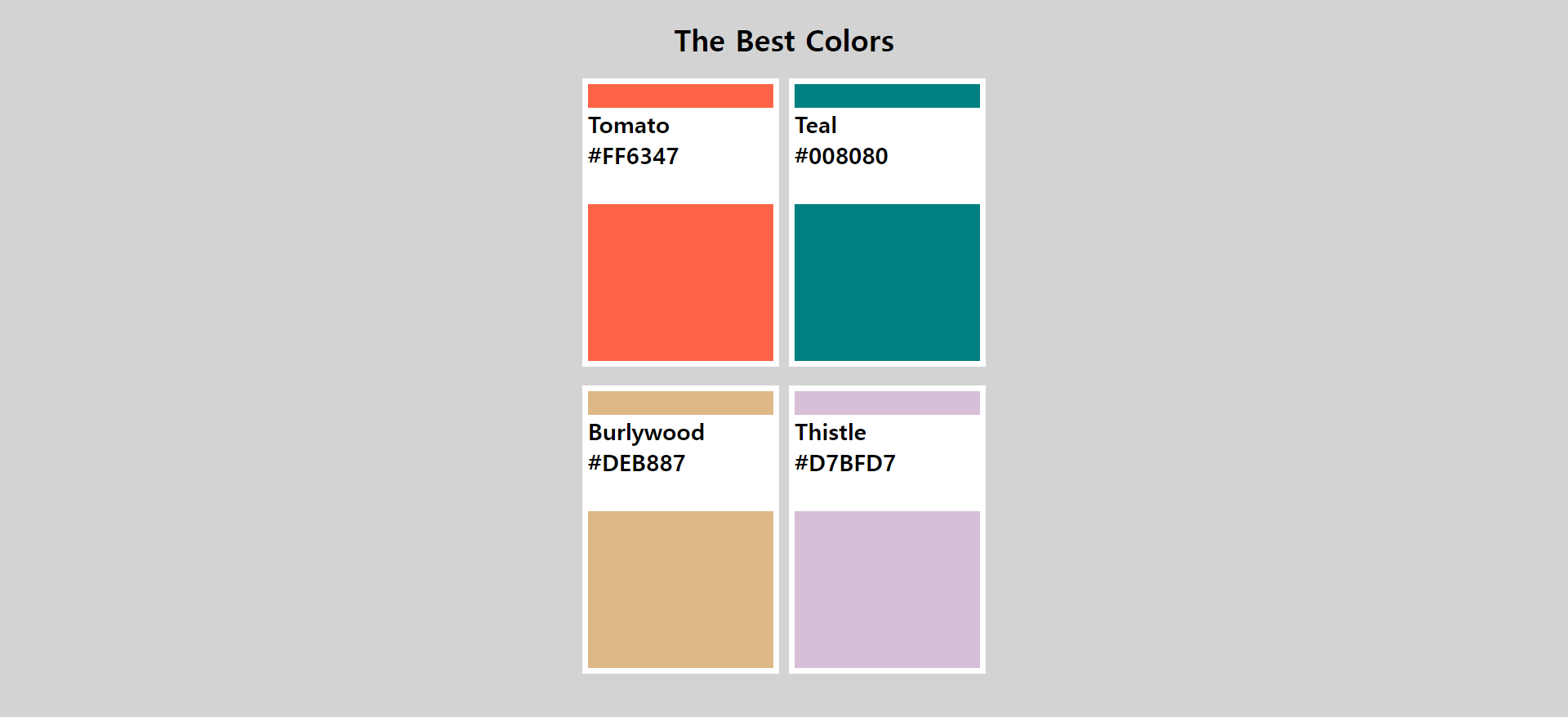
html은 그대로, css만 수정함(https://ryu-ddo.tistory.com/76)
- overflow : hidden -> 해상도에 따라 결과물이 보이지 않는 현상 있음
- overflow -> body 에서 height를 100vh or 100%로 설정
- font-size는 x-large 말고 px 단위로 주는게 이해하기 쉬워서 좋음
- margin 보다는 flex를 이용해서 배치하는 것을 연습하면 좋을 것 같다
body{
    background-color: lightgrey;
    height: 100%;       /*overflow -> hegith 100% or 100vh*/
}
.header{
    width: 450px;
    margin: 0 auto;
}
h1{ text-align: center;}
p{
    font-size: 25px;    /*px단위로 주는 것이 이해하기 쉽다*/
    font-weight: bolder;
}
.container{
    display: flex;
    align-items: center;
    justify-content: space-around ;
                        /*margin: 20px 600px; -> margin 말고 flex로 배치*/
}
.name{
    width: 205px;
    height: 105px;
    margin: 10px;
    background-color: white;
    position : relative;
    right: 11px;
}
.square{
    width: 200px;
    height: 300px;
    border: 7px solid white;
    margin-bottom: 20px;
}
.tomato{ background-color: #ff6347; }
.teal{ background-color: #008080;}
.burlywood{ background-color: #deb887;}
.thistle{ background-color: #d7bfd7;}'HTML+CSS+JavaScript > 세미나' 카테고리의 다른 글
| 세미나 5회차 전 (0) | 2022.02.19 |
|---|---|
| 세미나 4회차 전 (0) | 2022.02.09 |
| 세미나 3회차(1) (0) | 2022.02.06 |
| 세미나 3회차 전(2) (0) | 2022.01.28 |
| 세미나 3회차 전(1) (0) | 2022.01.27 |
'HTML+CSS+JavaScript/세미나' Related Articles
more


